Read CSV file in python
Contents
Brief about
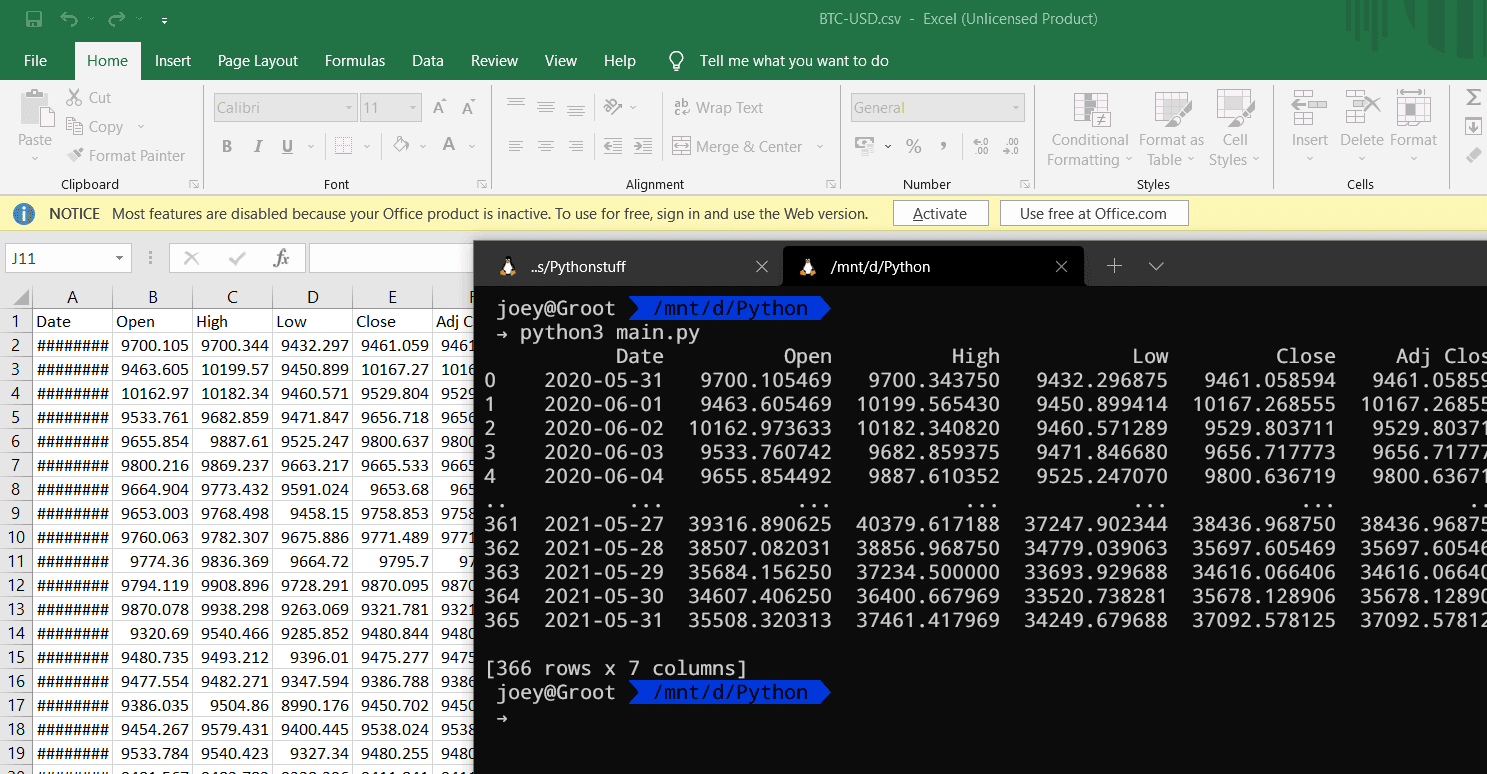
CSV stands for comma-separated values. It is used to store tables in file. CSV file are same as text file, first line of this file usually conatin name of columns and each row conatiner respected values here.
There are lot of ways to load csv file in python. Here we are going to discuss main two. Lets start with Python's in built csv module.
CSV Module
(Secound Methoed is Better)
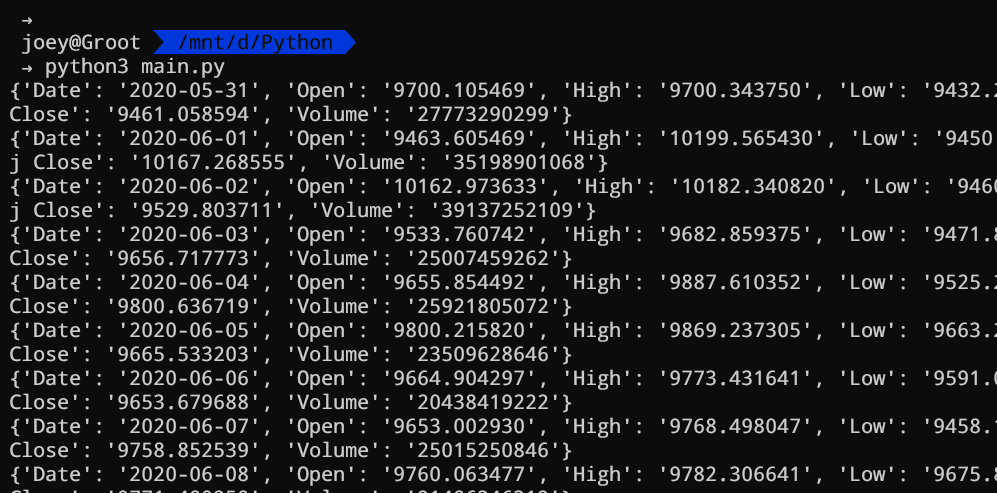
Pyhton provide builtin module called csv so we dont need to install anything. In this methoed first we have to open file as any other files in python. Than we pass this file to csv reader for parsing. which giver iterator(something we can loop over) which has ordered Dict as its entry read more about csv
import csv

#open
with open('BTC-USD.csv','r') as csv_file:
    csv_iter = csv.DictReader(csv_file)

    for line in csv_iter:
        print(line)

    #optional you can convert iterator
    #into list if you dont like it

    lst = list(csv_iter)
Pandas
This is the best way to work with csv file. For this you need pandas module. If you dont have it you can easily install it with pip. Type folloing cammond in terminal/cmd
python3 -m pip install pandas
now
import pandas as pd

df = pd.read_csv('BTC-USD.csv')

print(df)
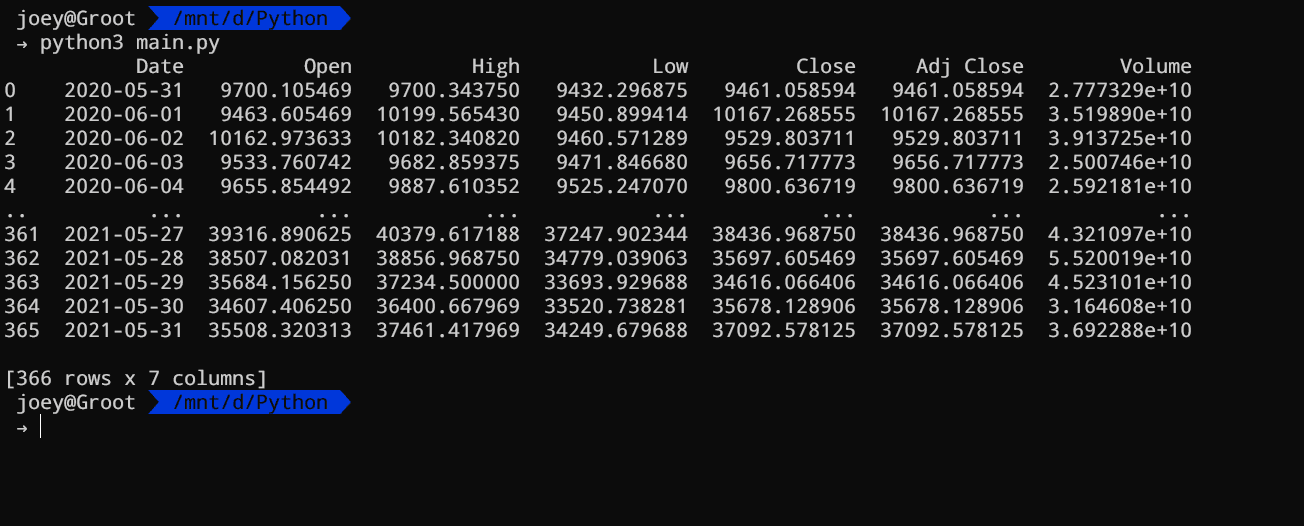
Note Pandas read csv methoed return pandas dataframe object. Dont worry it is just like fancy array
With pandas writing to csv file is easy to.
import pandas as pd

df = pd.read_csv('BTC-USD.csv')

df.to_csv('new_file.csv')